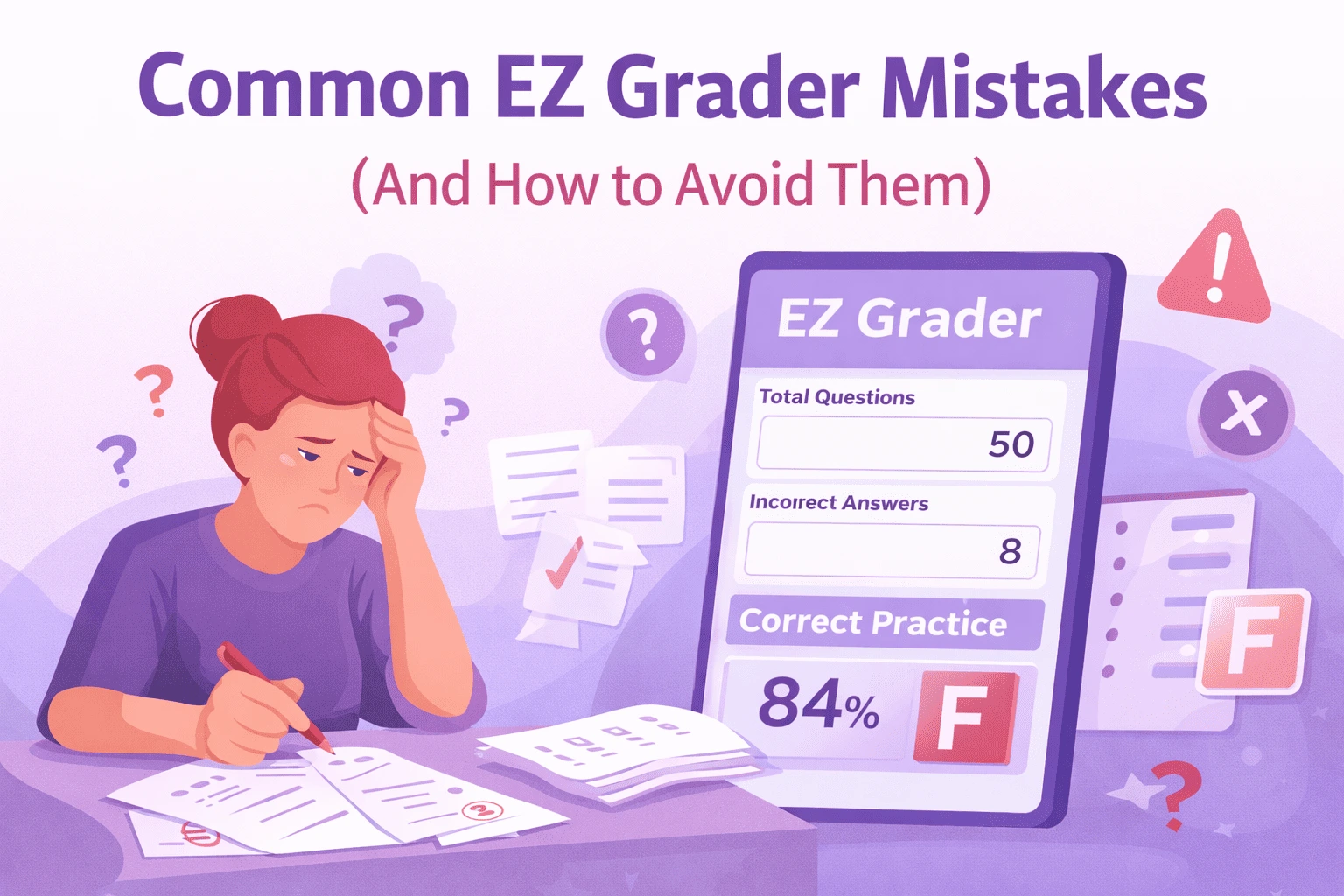
Common EZ Grader Mistakes Teachers Make (And How to Avoid Them)
Grading tests takes time.
Teachers often work under pressure.
A small grading error can change a student’s result.
This can lead to questions from students and parents.
Even when using an EZ Grader, results may still look wrong. This usually happens because of small input issues.
Wrong totals, early rounding, or grade scale confusion create stress. They also increase grading workload.
This guide explains common EZ Grader mistakes teachers make. Each issue includes a clear fix.
The goal is simple. Fair and accurate grading.
Teachers often rely on the EZ Grader tool to calculate test scores quickly and reduce manual grading errors.
Many schools also use online grading calculators to keep results consistent.
Why Grading Errors Still Happen
Most teachers use EZ Grader during busy weeks.
Classes are large.
Deadlines are tight.
In these moments, small input errors are easy to miss.
Understanding EZ Grader mistakes helps prevent issues before grades are shared.
Read other blog also: US Grading System Explained: Convert Percentages to GPA Easily
Mistake 1: Entering the Wrong Total Questions
This is one of the most common EZ Grader mistakes.
Teachers may enter:
instead of the full test total.
Example
If 42 is entered as the total, the score is incorrect.
How to avoid it
Always confirm:
Mistake 2: Entering Correct Answers Instead of Wrong Answers
Most EZ Grader tools calculate scores using wrong answers.
Many teachers enter correct answers by habit.
Example
Correct entry: 8, not 42
How to avoid it
Read input labels carefully. Never assume the calculator uses correct answers.
Mistake 3: Rounding Scores Too Early
Rounding early can change letter grades.
Example
This may move a student into a higher grade.
How to avoid it
Let the calculator finish first. Round only after the final result appears.
Mistake 4: Using the Wrong Letter Grade Scale
Schools follow different grading rules.
Some schools use:
Others use:
Using the wrong scale is one of the less obvious EZ Grader mistakes, but it affects fairness.
How to avoid it
Check your school grading policy. Confirm grade cutoffs before assigning letters.
Mistake 5: Using EZ Grader for Partial Credit
EZ Grader works best for:
It does not support partial credit.
Example
EZ Grader cannot calculate this accurately.
How to avoid it
Use EZ Grader only for objective tests. Handle partial credit separately.
Mistake 6: Forgetting Bonus or Extra Credit Rules
Bonus questions affect totals.
If totals are not adjusted correctly, grades shift.
This is another common EZ Grader mistakes teachers report.
How to avoid it
Decide before grading:
Apply the same rule for all students.
When EZ Grader Is Not the Right Tool
EZ Grader should not be used for:
For complex grading systems, a weighted grade calculator is more suitable.
How EZ Grader Supports Accurate Grading
When used correctly, EZ Grader:
EZ Grader tools follow standard school grading rules used across many US education systems, as outlined by the U.S. Department of Education.
Accuracy depends on careful input, not speed.
Teacher Accuracy Checklist
Before finalizing grades, confirm:
This checklist reflects real classroom practice.
Common EZ Grader Mistakes Summary
| Mistake | What Goes Wrong | Correct Practice |
|---|---|---|
| Wrong total questions | Score is incorrect | Enter full test total |
| Correct answers entered | Result flips | Enter wrong answers |
| Early rounding | Grade shifts | Round at the end |
| Wrong grade scale | Unfair grading | Follow school policy |
| Partial credit use | Scores misrepresent effort | Grade manually |
Final Note for Teachers
Accurate grading builds trust. It supports learning and fairness.
Most EZ Grader mistakes come from rushed input, not the calculator. Clear steps reduce confusion.
Careful grading protects teachers and students alike.